Making Terminal Great Again
A question I often get asked is “What did you do to your terminal?”.
Here’s what it looks like, in case you’re wondering what all the fuss is about:
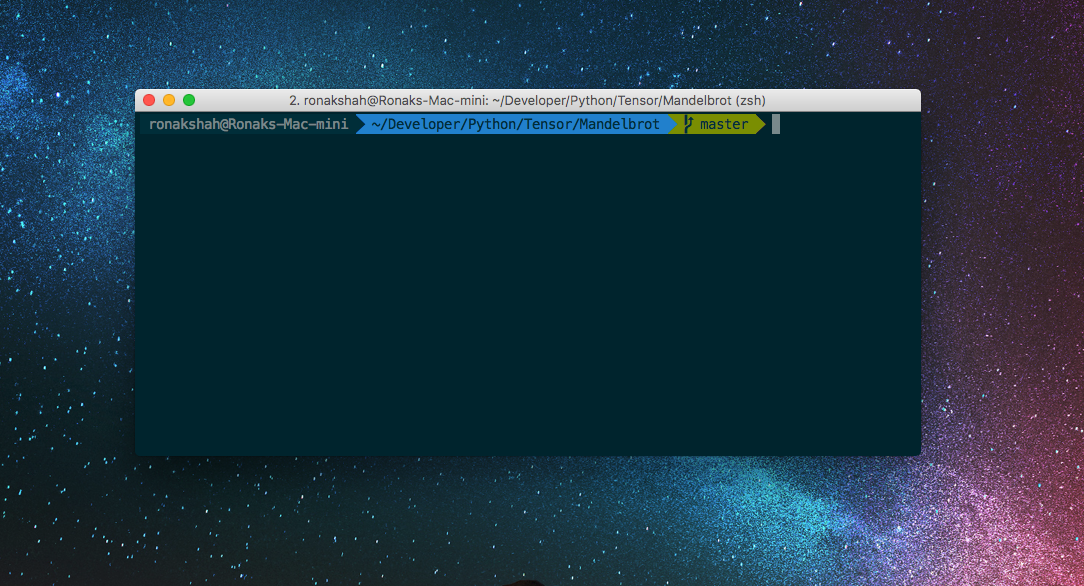
A few things to notice:
- Fancy Colors
- Fancy Fonts
- Fancy Prompt
- The state of my git repository
How did I do it?
Simply put, the answer is oh-my-zsh
Installing oh-my-zsh is extremely easy, and gives you a better terminal that you could ever have before.
To install it, simply open up your terminal and type in:
sh -c "$(curl -fsSL https://raw.github.com/robbyrussell/oh-my-zsh/master/tools/install.sh)"
(Taken directly from Oh-My-Zsh’s official website)
After installing it, you’ll notice that your prompt looks a bit different from mine:
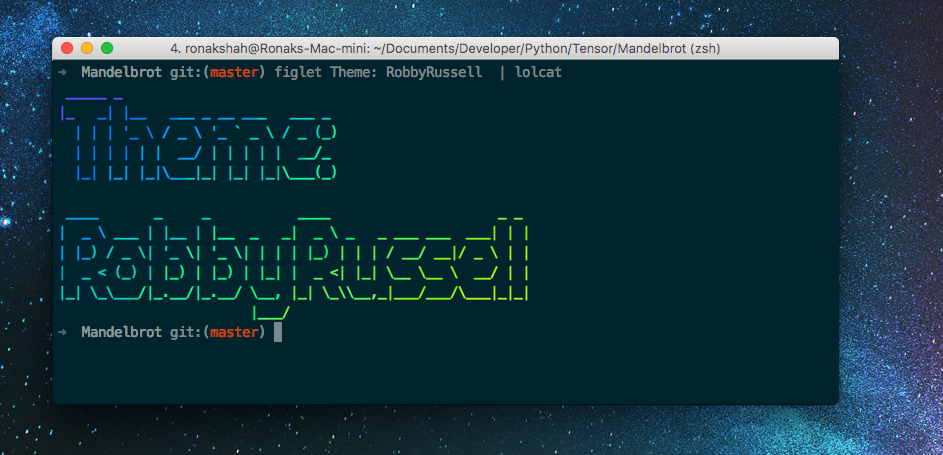
Essentially, the only difference is the theme, which by default is robbyrussell. While it’s an alright theme, and does the job, it’s not fancy enough for me.
To fix this, we’ll change our theme to agnoster.
To do this, we’ll have to edit our .zshrc
nano ~/.zshrc # or use vim, doesn't really matter
# find the line that says theme="robbyrussell"
# make it say theme="agnoster"
source ~/.zshrc # reloads the terminal
Immediately, we notice a problem:
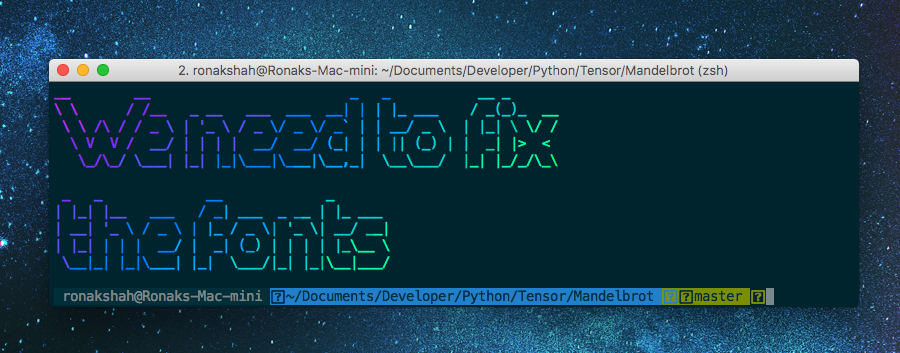
The problem is that we need a font that supports powerline’s characters. Thankfully, fixing this is really easy, we just need to download a font that fixes this. Personally, I use Menlo for Powerline, but any font with powerline support works.
Download Menlo for Powerline here
After this, we just need to change the font.
For Linux, simply go to Edit -> Profile Preferences, then choose Menlo for powerline as your font.
For Mac, open preferences for your terminal (⌘+comma) and change your profile’s font.
And boom, you’re done. 😎
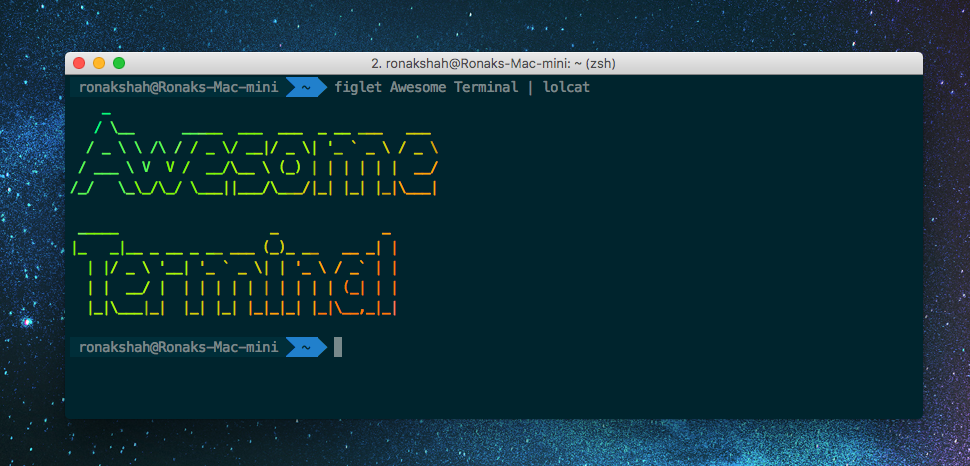
Oh-My-Zsh actually has a ton more interesting themes, which you can check out here
In addition, it has many more plugins (besides git), such as django, python, and many more (can be found here)
iTerm 2
Completly optional, but if you’d like your terminal to look just like mine, you’ll want to use iTerm2, a terminal replacement for mac that is completly gorgeous.
You can download my profile settings here